




Your cart is empty
Keyless access is just the beginning
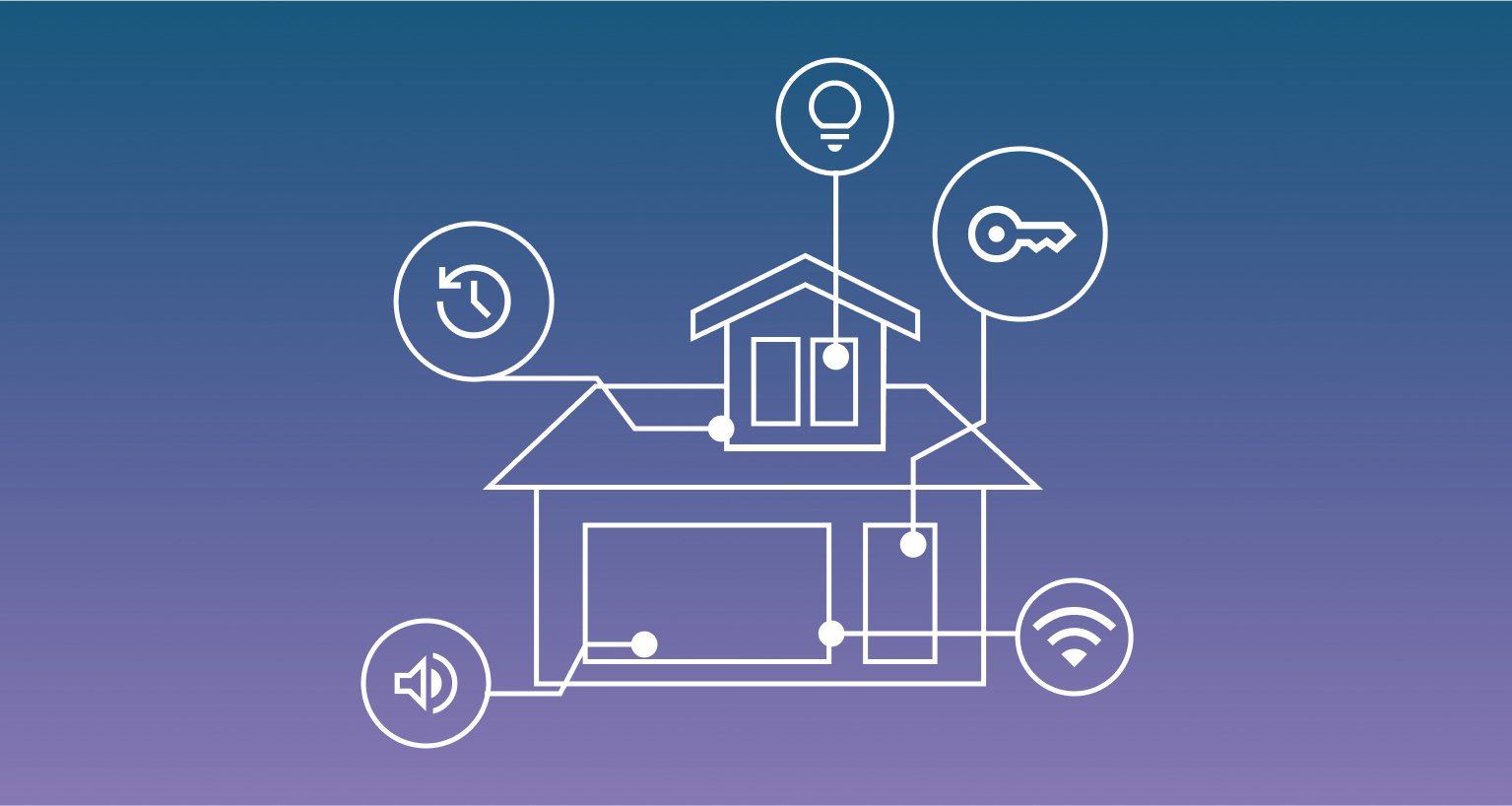
With the right integrations, your smart lock becomes part of a wider system that helps automate your home, streamline access management, and improve security.
Discover how Tedee smart locks connect with platforms, controllers, and installations to add more convenience, control, and flexibility to everyday life.

Our customers say
4.5 out of 5 based on 730 reviews
What is smart lock integration?
On its own, a Tedee smart lock works as a standalone keyless access device, controlled directly from the Tedee app via Bluetooth. When integrated with other devices, platforms, or installations, it can be controlled in more ways, managed with additional tools, and used to trigger other smart home, security, or access-related actions.
An integration connects your Tedee smart lock with another device, platform, or system to expand its capabilities beyond basic locking and unlocking. Depending on the setup, it can add automation, centralized access management, advanced security workflows, and custom connected features.
Automate
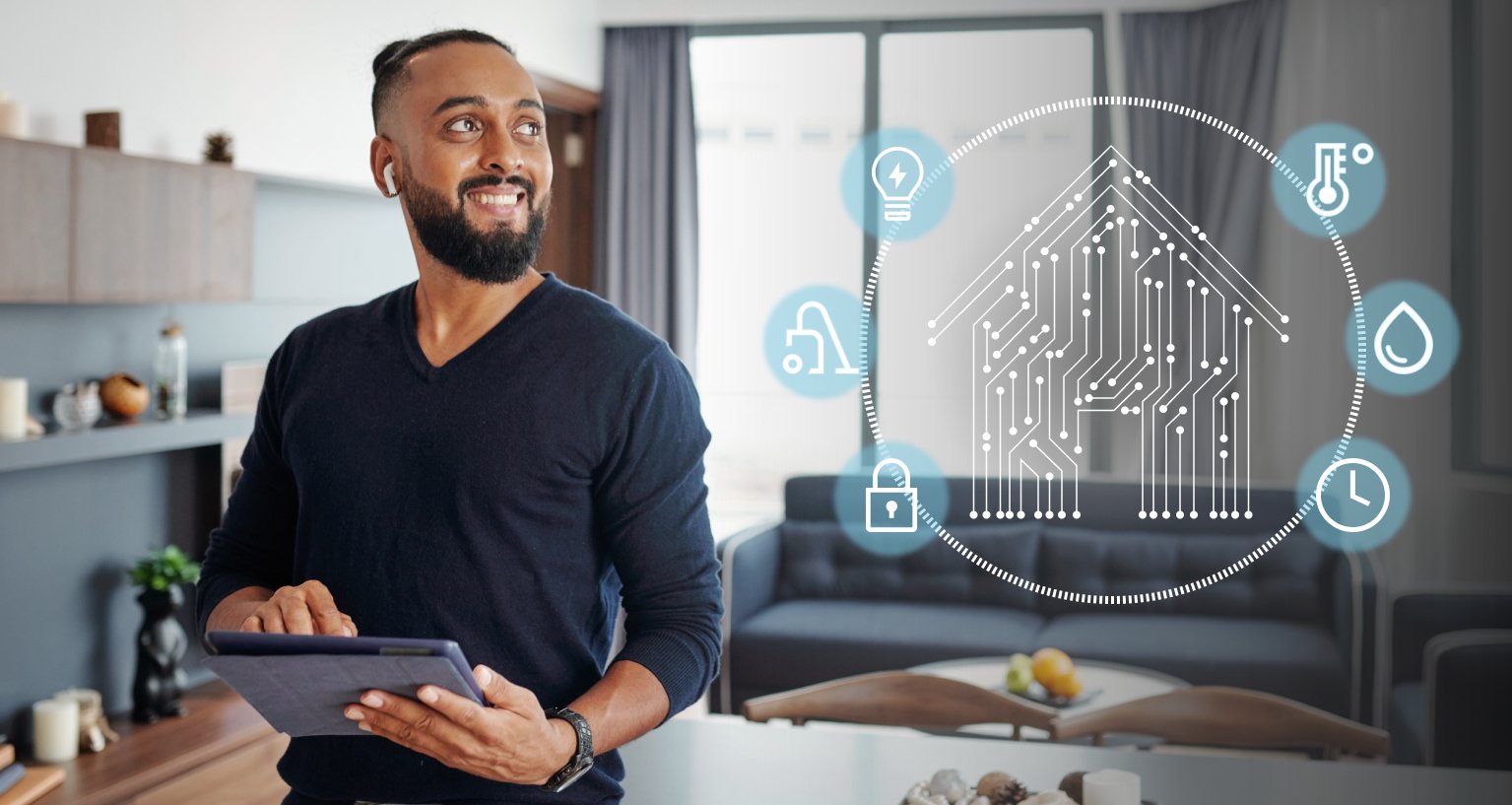
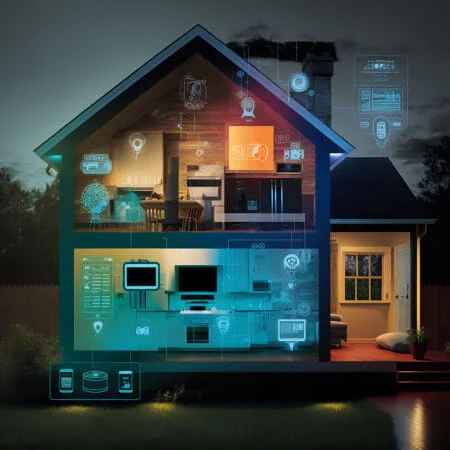
Use your smart lock as a trigger for home automation. Because it is often the first or last device used at home, locking or unlocking the door can start arrival and departure routines, activate scenes, and adjust lights, heating, air conditioning, or other connected devices.
Centralize
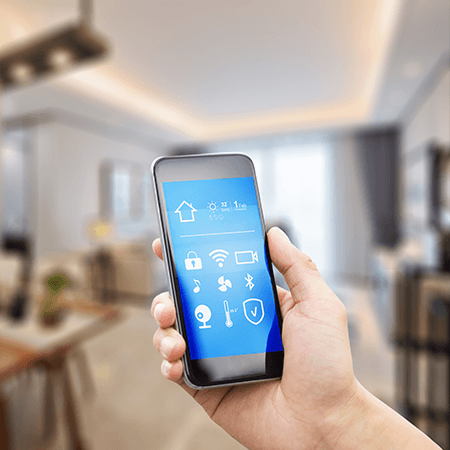
Integrating a smart lock can bring access control into one central interface. Manage locking, permissions, and selected connected devices from one app, widget, voice assistant, control panel, or building management system, with broader visibility and more advanced settings.
Protect
A smart lock can also become part of a wider security system. Integrations can connect it with alarms, motion sensors, cameras, credentials, intercoms, and access control installations to strengthen entry protection, monitoring, and secure access workflows.

How it works?
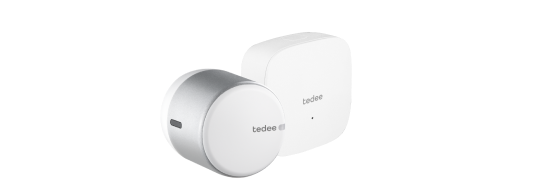
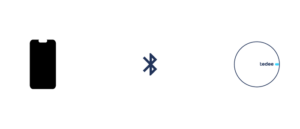
Without integration, a Tedee smart lock connects directly to your mobile device via Bluetooth.
Smart lock integrations use different connection and communication methods, but most of them fall into two main categories: local and cloud-based.
Local integrations communicate directly on site through compatible hubs, controllers, or wired connections.
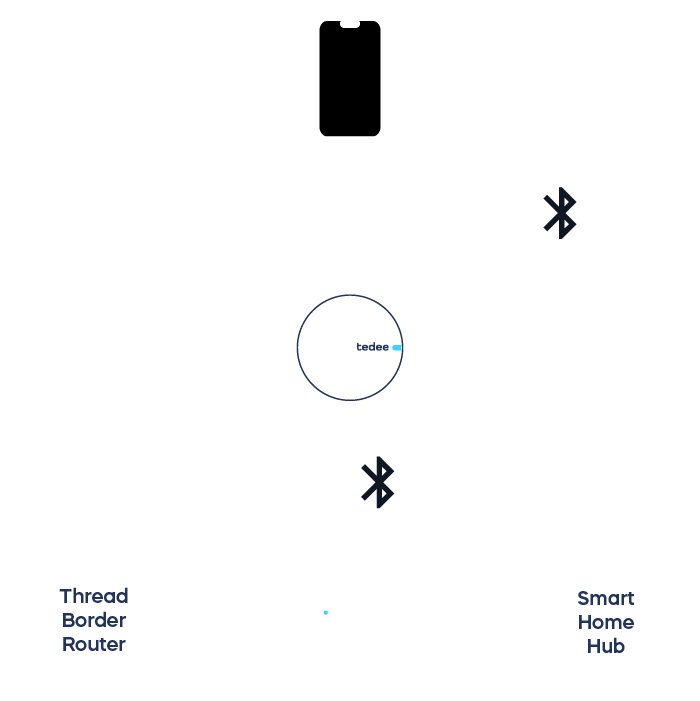
A locally integrated smart lock uses short-range wireless or wired connections to communicate within your property. It is controlled by a compatible smart home hub, alarm system, or other local controller, which may also connect to your mobile devices.
These integrations are ideal for reliable on-site automation and offer broad compatibility with third-party devices and platforms, including legacy systems and wired access control installations.
Available integrations vary between Tedee smart lock models and may require the Tedee Dry Contact module, as well as professional installation.
Cloud-based integrations use internet-connected services to enable remote access and broader platform connectivity.
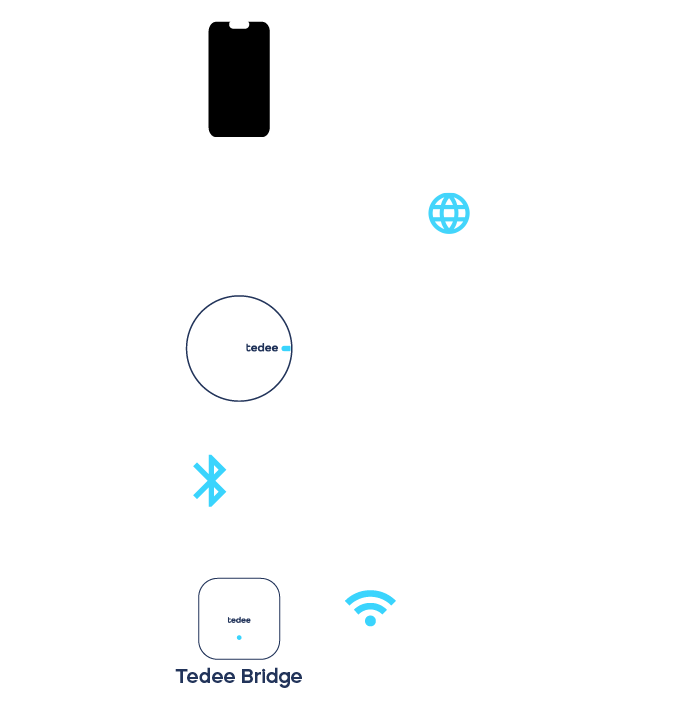
Cloud-based integrations use the Tedee Bridge, which connects to your smart lock via Bluetooth and links it to your home’s Wi-Fi network.
This internet connection enables a wide range of secure and versatile integrations between Tedee and other online solutions, including smart home platforms, alarm systems, and access management tools.
Control of your smart lock through, for example, a mobile app is routed over the internet and remains available remotely as long as the Tedee Bridge is powered and the property’s Wi-Fi connection remains active.
Local Integrations
These solutions connect your smart lock with compatible hubs, controllers, or wired systems that communicate directly on site within your property. They are ideal for reliable automation, direct system response, and broad compatibility with professional installations.
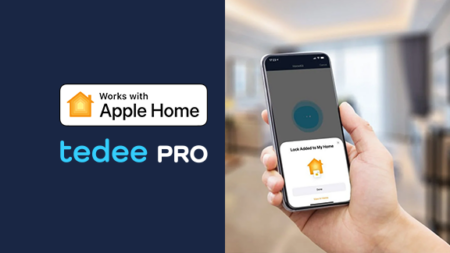
Apple Home
Control your door using the Home app on iPhone or Apple Watch, or by asking Siri on compatible devices. Easily connect your smart lock to Apple Home, even without the Tedee Bridge.
Works with Tedee PRO only. A HomePod, HomePod mini, or Apple TV can be used as a home hub to enable automations and remote control beyond Bluetooth range, but it is not required for basic local operation.
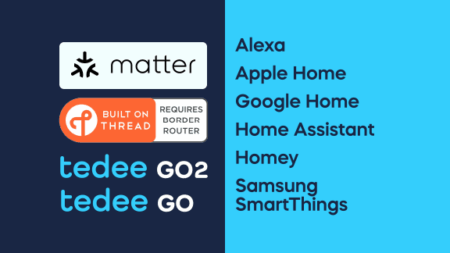
Matter over Thread
Connect your smart lock to leading smart home platforms through one interoperable standard. Matter lets you integrate your smart lock more easily with other connected devices within your preferred ecosystem, without brand-specific bridges or gateways.
Works with Tedee GO2 and Tedee GO only. A Thread Border Router compatible with your smart home platform is required. Additional requirements may apply for remote access.
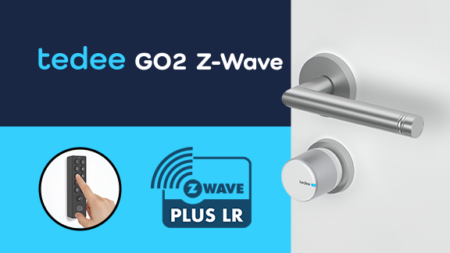
Z-Wave®
Control your door natively through your Z-Wave security or smart home system: no app, no cloud account, and no bridge required. Tedee GO2 Z-Wave joins your installation as a standard Z-Wave end node, controlled directly by the controller already running your home. Pair it with Tedee Keypad PRO for PIN-code access with up to 250 individual codes, managed through your Z-Wave platform.
Works with Tedee GO2 Z-Wave smart lock only. Requires an S2 Access Control-certified Z-Wave controller on the European Z-Wave frequency plan.
Tedee Dry Contact
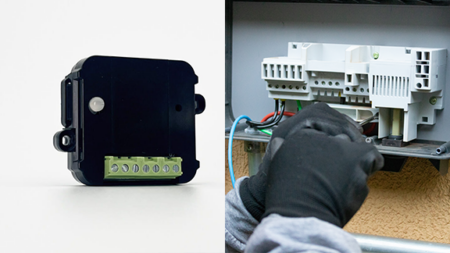
Bridging the gap between smart locks and traditional installations, Tedee Dry Contact is a Bluetooth module designed to connect your lock to wired controllers. It supports integration with existing infrastructure while keeping your retrofit smart lock wireless on the door. Use it to connect your lock to switches and buttons, legacy systems, biometric terminals, as well as local alarm and smart home systems.
Works with Tedee PRO, Tedee GO2, and Tedee GO. Sold separately. Professional installation is recommended.
Selected integrations available using Tedee Dry Contact

Cloud-Based Integrations
Using Tedee Bridge and internet access, these solutions connect your smart lock with remote services and online platforms. They are best suited for remote control, centralized access management, and broader integration with digital ecosystems.
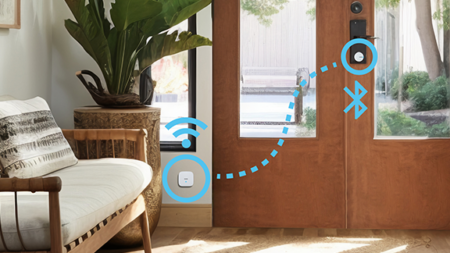
The power of connection
Tedee Bridge uses Bluetooth and Wi-Fi to connect your smart lock to your home internet connection. When linked to Tedee cloud servers, it enables secure online integration, remote management, and control through other internet-connected devices and systems.
For best performance, install it within your Wi-Fi range and up to 2 m away from your smart lock.
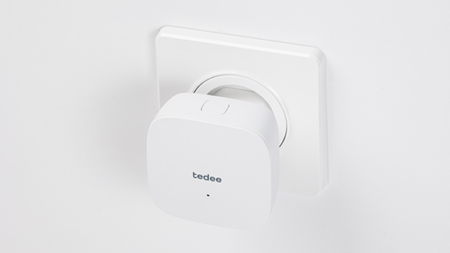
Tedee Bridge
Cloud-based integrations require the Tedee Bridge and your Wi-Fi network to be powered, while your Wi-Fi router and remote control device must both have an active internet connection. If internet access is unavailable, the smart lock will not connect to the cloud and can only be controlled locally via Bluetooth.
Works with Tedee PRO, Tedee GO2, and Tedee GO. Available separately or in smart lock bundles, including sets with power adapters for local power socket standards.
Selected cloud-based integrations using Tedee Bridge







Extra Cloud-Based Benefits
Pairing your smart lock with Tedee Bridge unlocks extra features through secure Tedee cloud integration.
Free multi-unit access-control platform
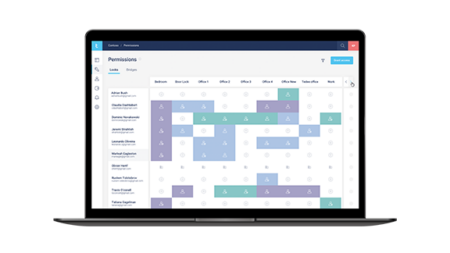
Tedee Portal is a web platform for efficient management and remote control of even hundreds of Tedee Bridge-paired smart locks, without additional maintenance fees. Accessible from desktop computers and tablets, it lets you group devices and users for bulk management, view a transparent access matrix, and export reports.
It is especially useful for office management, security, and HR teams managing access across multiple users and locations. Tedee Portal can also generate app-free access links, enable cloud integrations with universal API keys, and connect smart locks to short-term rental tools.
Automatic self-check-ins at your rental
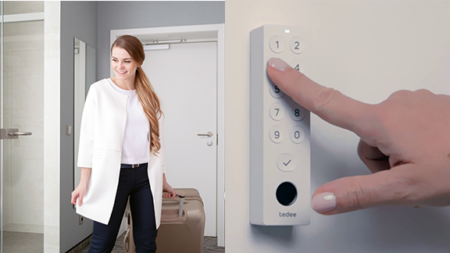
Streamline hosting, reduce workload, and deliver a smoother guest experience. Enable self-check-in with temporary PINs that are automatically shared with guests before arrival, without key handovers, welcome meetings, or manual setup.
Use Tedee Smart Rental features to sync your smart locks with compatible channel management platforms. Monitor bookings, track maintenance activities, and manage access across one or multiple properties in the Tedee Portal.
Requires a smart lock paired with Tedee Bridge, Tedee Keypad PRO, and Wi-Fi internet access. A third-party channel manager subscription is required.
Selected channel management platform integrations
Cloud-based integrations may use Personal Access Keys >>










Integrate Tedee devices into your own solution with our public cloud API.
Use developer resources to connect Tedee smart locks with your own software for mobile apps, hospitality, residential buildings, and access management systems.
Requires your Tedee devices to be paired with Tedee Bridge and connected to Wi-Fi internet access.
Frequently Asked Questions
Which integrations work without internet?
Local integrations are designed for on-site communication and do not rely on Tedee cloud access. This includes Apple Home with Tedee PRO, Matter over Thread with Tedee GO2 and Tedee GO, and Tedee Dry Contact used with compatible wired systems.
Cloud-based integrations are unavailable without an active internet connection at the property and on the controlling device. In that case, the smart lock can still be controlled locally through the Tedee app via Bluetooth.
Do I need the Tedee app to use integrations?
Generally, you do not need the Tedee app for everyday control of an integrated smart lock. However, the Tedee app is still recommended for the smart lock’s owner or administrator for setup, calibration, firmware updates, advanced settings, accessory configuration, and access to Tedee-specific features.
With selected setups, Matter integration can be used without the Tedee app.
Which integrations support remote access?
Cloud-based integrations support remote control, access management, and configuration because they connect the smart lock to online services through Tedee Bridge.
Some local platform integrations, such as Apple Home or Matter-based setups, may also support remote access when used with compatible platform hubs or controllers.
Which Tedee locks support which integrations?
Cloud-based integrations using Tedee Bridge, as well as local integrations using Tedee Dry Contact, work with Tedee PRO, Tedee GO2, and Tedee GO.
Direct Apple Home integration is available only with Tedee PRO. Matter over Thread is available only for Tedee GO2 and Tedee GO, and requires a compatible Thread Border Router.
Which integrations require professional installation?
Tedee Dry Contact, used for local integrations with Tedee PRO, Tedee GO2, or Tedee GO, is recommended for professional installation because it involves wiring and power connections.
Other integrations can usually be set up independently, although setup guides and support materials are recommended.
Do I need Tedee Bridge?
Tedee Bridge is required for all cloud-based integrations, including Tedee Portal, Tedee Smart Rental, Tedee API, and compatible third-party online platforms.
Even when it is not required for local integrations, Tedee Bridge adds useful features such as remote control, live activity logs, and automatic firmware updates.
Learn more on our Smart Lock Blog
Amazon, Alexa, and all related marks are trademarks of Amazon.com, Inc. or its affiliates.
Apple Home, Apple TV, Apple Watch, iPhone, and Siri are trademarks of Apple Inc., registered in the U.S. and other countries and regions.
The Bluetooth® word mark and logos are owned by the Bluetooth SIG, Inc. and any use of such marks by Tedee Sp. z o.o. is under licence.
Google Home is a trademark of Google LLC.
Other trademarks and trade names are those of their respective owners.